
.glb.
1
Download the add-on
Grab
LightExporter-Blender.zip from the LightSDK releases page.2
Install it
In Blender: Edit → Preferences → Add-ons → Install from Disk…, then pick the zip.\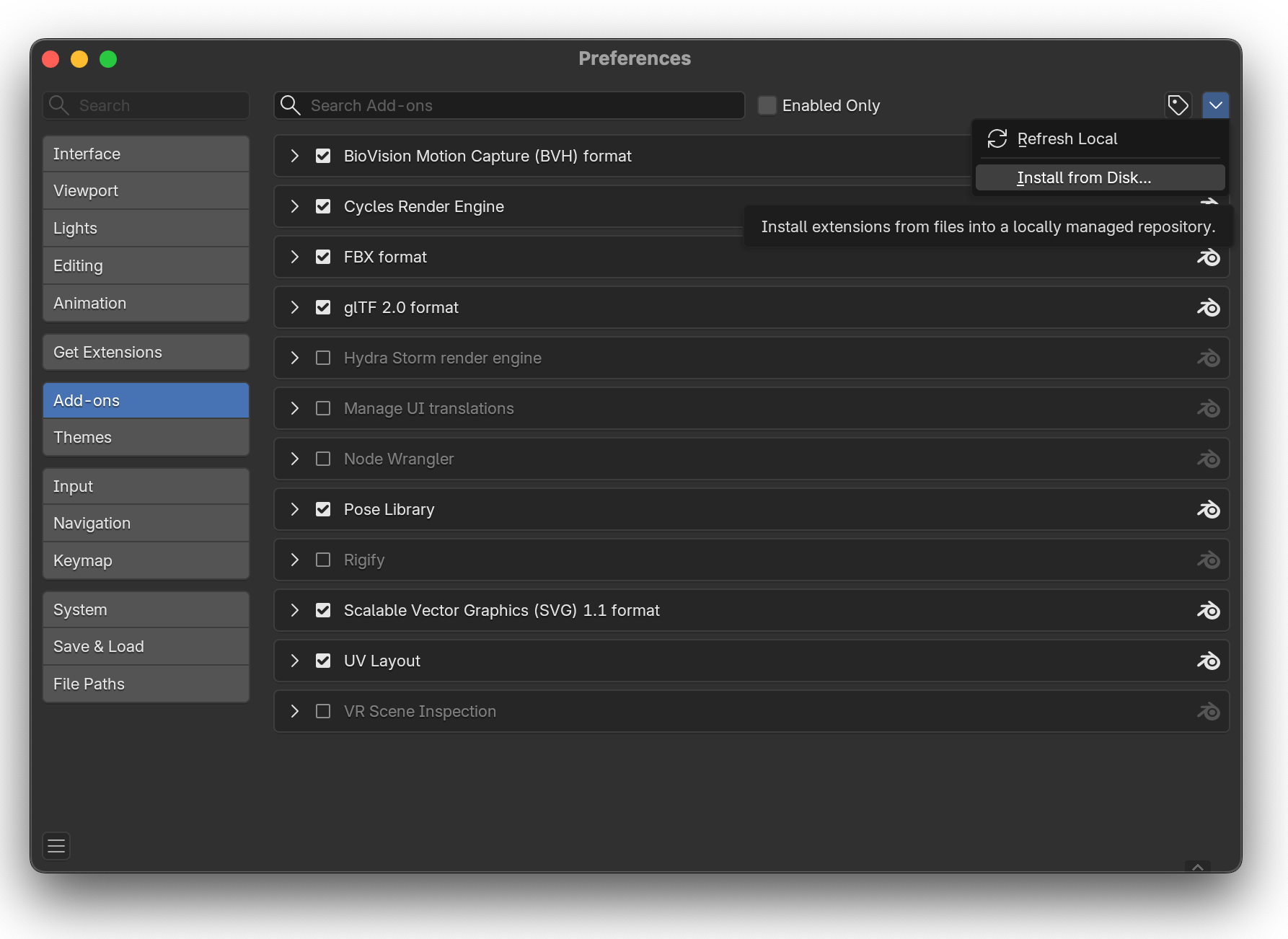
3
Enable it
Tick Light Exporter in the add-on list.
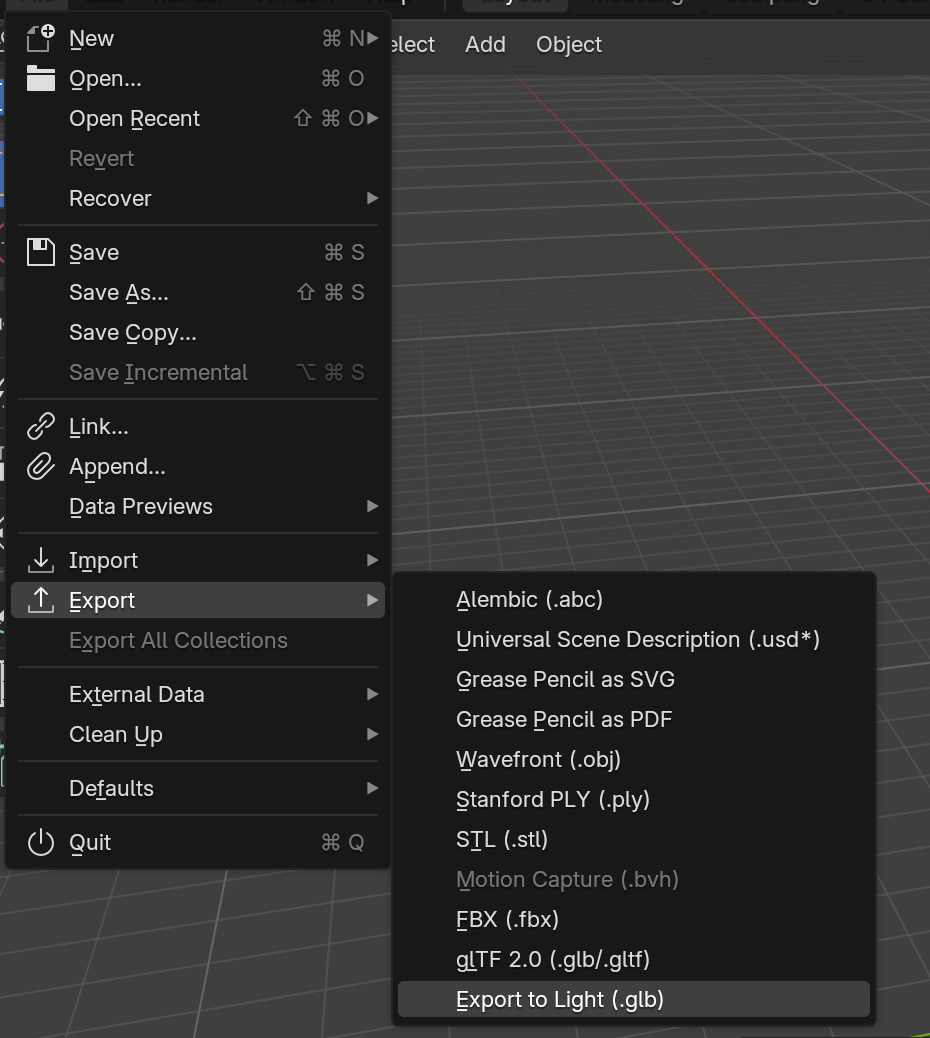
LightSDK.exe (Desktop, Downloads, Documents, PATH). If auto-open fails, add the LightSDK folder to your PATH.