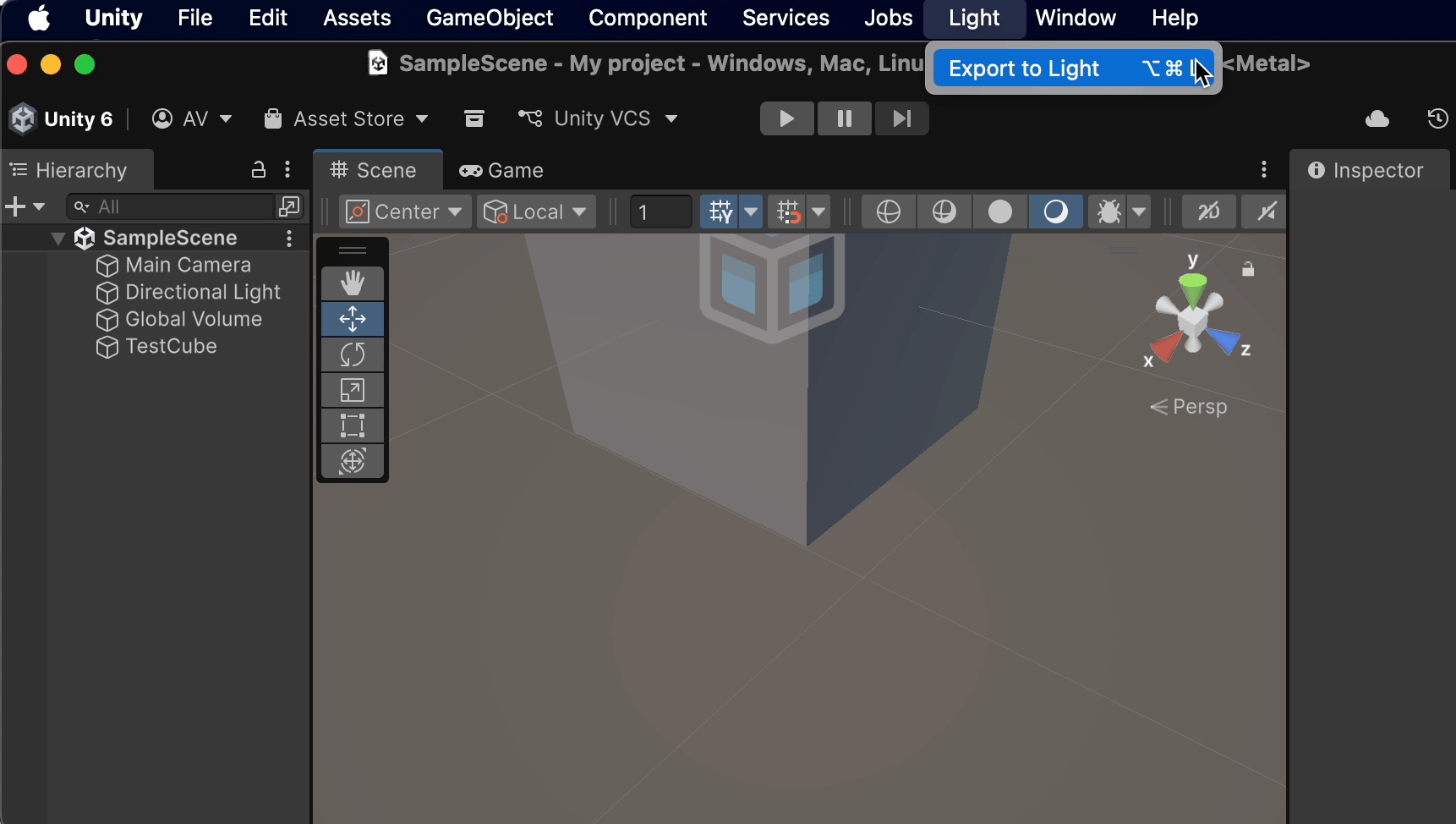

.glb. Works with Unity 2021.3 and newer.
1
Download the plugin
Grab
LightExporter-Unity.zip from the LightSDK releases page and unzip it.2
Add the glTFast package
In Unity: Window → Package Manager → + → Add package by name…, enter 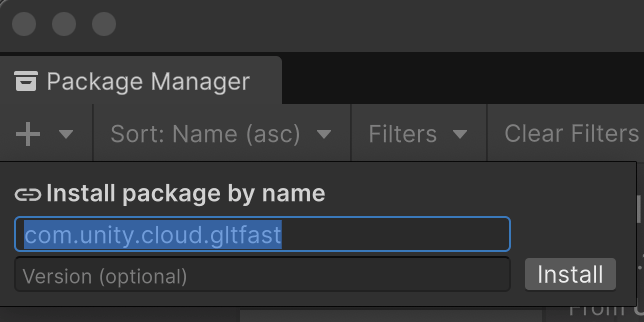
com.unity.cloud.gltfast, and add it.3
Add it to your project
Package Manager → + → Add package from disk…, then select 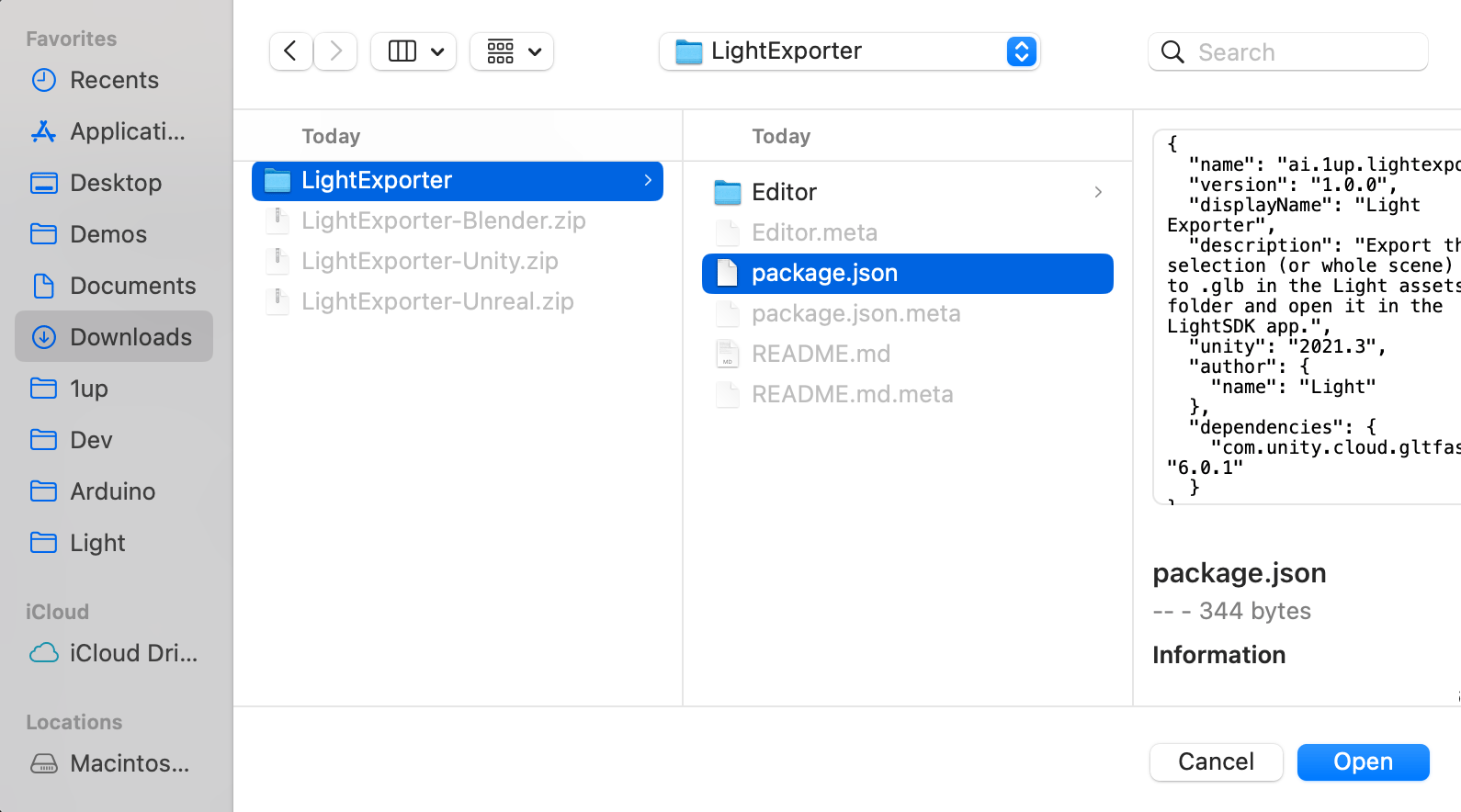
LightExporter/package.json from the unzipped folder.\⌘⌥L on macOS, Ctrl+Alt+L on Windows), or right-click a selection in the Hierarchy → Export to Light. If objects are selected, only the selection exports — otherwise the whole scene does.
Light SDK opens automatically with your model. On Windows, the plugin searches common locations for LightSDK.exe (Desktop, Downloads, Documents, PATH). If auto-open fails, add the LightSDK folder to your PATH.